
The Best HighLevel Automation Tips
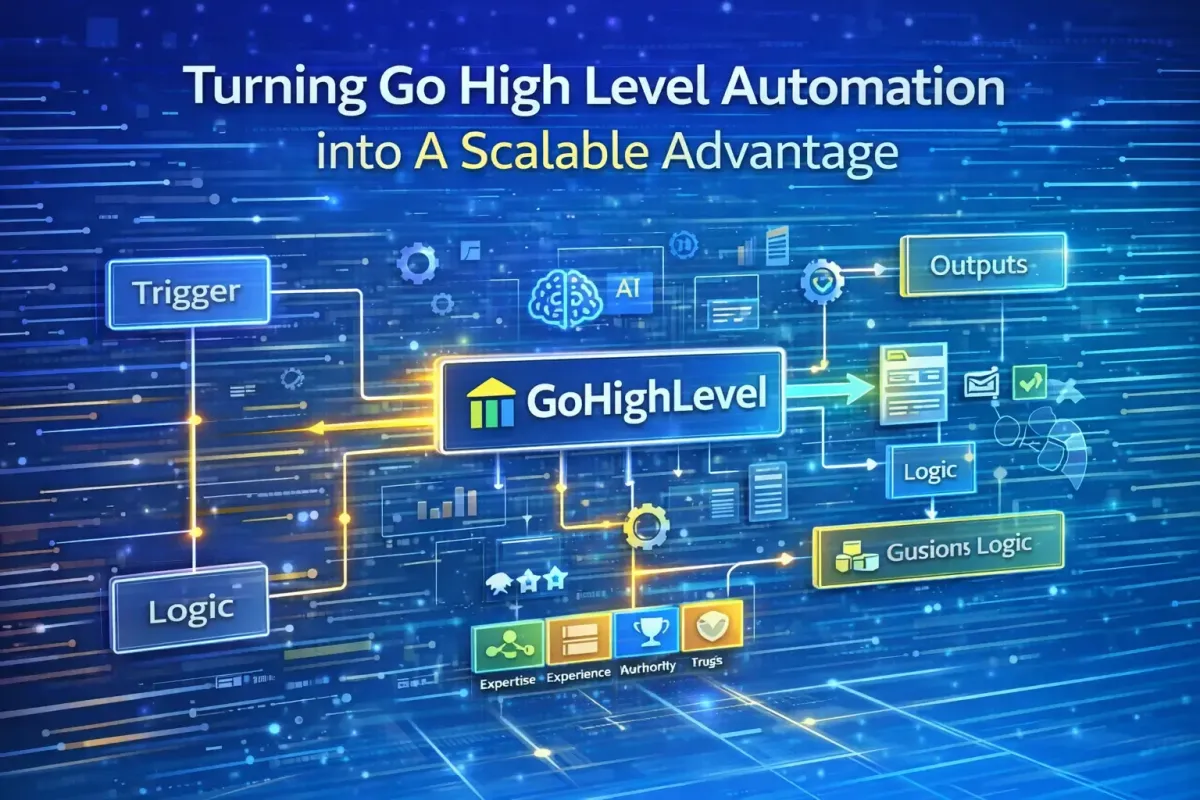
Go HighLevel has become one of the most powerful all-in-one platforms for agencies and growth-focused businesses. While its funnels, CRM, and messaging tools are strong, the real competitive advantage of HighLevel sits within its Workflow Automation engine.
Workflows are where leads become revenue. They determine how quickly prospects are contacted, how consistently follow-up happens, and whether growth can occur without increasing headcount. When designed well, automation creates clarity, consistency, and operational leverage across marketing, sales, service, and finance.
However, automation without structure creates the opposite effect. Poorly planned workflows introduce technical debt, degrade the customer experience, and distort reporting. Well-designed workflows, by contrast, function as revenue infrastructure—predictable, scalable, and measurable.
This guide focuses on the principles, architecture, and best practices required to build automation that supports long-term growth, not short-term convenience. It is written for agencies and teams that want Go High Level to operate as a system, not just a collection of tools.
1. Automation Strategy & Governance (Start Here)
Before building a single workflow, step back and design the operating model.
Design the Operating Model First
Automation without ownership creates chaos. Define responsibility across:
Marketing – lead capture, nurture, attribution
Sales – pipeline movement, follow-up, qualification
Service – onboarding, support, renewals
Finance – payments, invoicing, deal value integrity
Every workflow should clearly belong to one function.
Separate Strategy from Execution
Document each automation outside GHL before implementation:
Goal (what outcome defines success?)
Trigger logic (what starts it?)
Success condition (what stops it?)
Failure risk (what could go wrong?)
GHL is for execution—not thinking.
Naming Conventions Are Non-Negotiable
Adopt strict prefixes:
MKT – Lead Capture – Website FormSAL – Pipeline – Appointment BookedSRV – Onboarding – New ClientFIN – Payment – Stripe Success
This single habit saves hundreds of hours at scale.
One Workflow, One Responsibility
Avoid “mega-workflows” that attempt to do everything. Modular workflows are:
Easier to debug
Faster to execute
Safer to scale
Simpler to migrate later
Version and Document Everything
Clone before major edits. Append versions or dates. Use workflow notes to document assumptions—especially conditional logic.

2. Workflow Architecture & Logic Foundations
Use “Wait” Steps Intelligently
Never place a Wait as the first step if immediate processing is required.
Use waits to humanise timing (e.g. “wait until Monday at 9:00 am”).
Avoid waits longer than 30 days—logic drift and failures increase over time.
Master the “Stop on Response” Toggle
Always enable Stop on Response for outbound email/SMS nurture flows. Nothing kills trust faster than:
“Just checking in…” (after the lead already replied)
Leverage If/Else Branching Strategically
Instead of 10 separate workflows, use one master workflow with clean If/Else branches based on:
Tags
Form fields
Pipeline stage
Source / UTM parameters
But avoid over-branching—clarity beats cleverness.
Control Re-Entry Carefully
Enable Allow Multiple only for lifecycle-appropriate workflows (e.g. re-engagement).
Disable it for onboarding, payments, or welcome sequences.
Use Goals as Escape Hatches
Goals pull contacts forward the moment they complete a desired action (e.g. booking, payment), regardless of where they are in a sequence.
3. Lead Capture Automation (Speed Wins Deals)
Instant Lead Ingestion
Trigger workflows on:
Form submissions
Surveys
Inbound webhooks
Immediately:
Create/update contact
Apply Source, Campaign, and Status tags
Enrol in the correct nurture or pipeline
Conditional Routing for Lead Quality
Use If/Else logic to:
Route high-budget or high-intent leads directly to sales
Send lower-intent leads into education or warming sequences
This protects sales time and improves conversion rates.
The “Magic” 5-Minute Rule
Respond within 2 minutes of form submission via SMS or email. Speed-to-lead is one of the strongest predictors of conversion.
Personalised Auto-Responders
Include:
Name
Context (“Thanks for requesting X”)
Calendar link
Clear next step
Add a short delay (30–60 seconds) to mimic human typing and reduce the “bot” feel.

4. Follow-Up & Nurture Sequences
Separate Short-Term Follow-Up from Long-Term Nurture
Short-term: intent-driven, aggressive, SMS-heavy
Long-term: educational, value-led, email-focused
Different goals require different cadences.
Multi-Channel Drips with Behavioural Branching
Trigger different paths based on:
Email opens
Link clicks
Replies
Appointment bookings
Engaged leads should accelerate. Silent leads should slow down or re-route.
Re-Engagement for Cold Leads
Tag contacts inactive for 7–30 days and trigger:
Win-back messages
Incentives
Escalation to calls when they respond
Automatically remove non-responders to protect deliverability.
A/B Testing at Scale
Test:
Subject lines
Message tone
Call-to-action
Automatically direct future contacts to the winning variant.
5. Appointment Management Automation
Multi-Stage Reminder Sequences
Send reminders:
24 hours before
2 hours before
15 minutes before
Delivered via SMS and email, this alone can reduce no-shows by up to 40%.
Missed Appointment Recovery
If a lead no-shows:
Trigger a “Sorry we missed you” message
Include one-click rescheduling
Notify the assigned rep internally
Payment and Conferencing Sync
Integrate:
Stripe for paid bookings
Zoom / Meet for conferencing
Automatically:
Confirm appointments
Update pipeline stage
Trigger onboarding or prep sequences
6. CRM & Sales Pipeline Automation
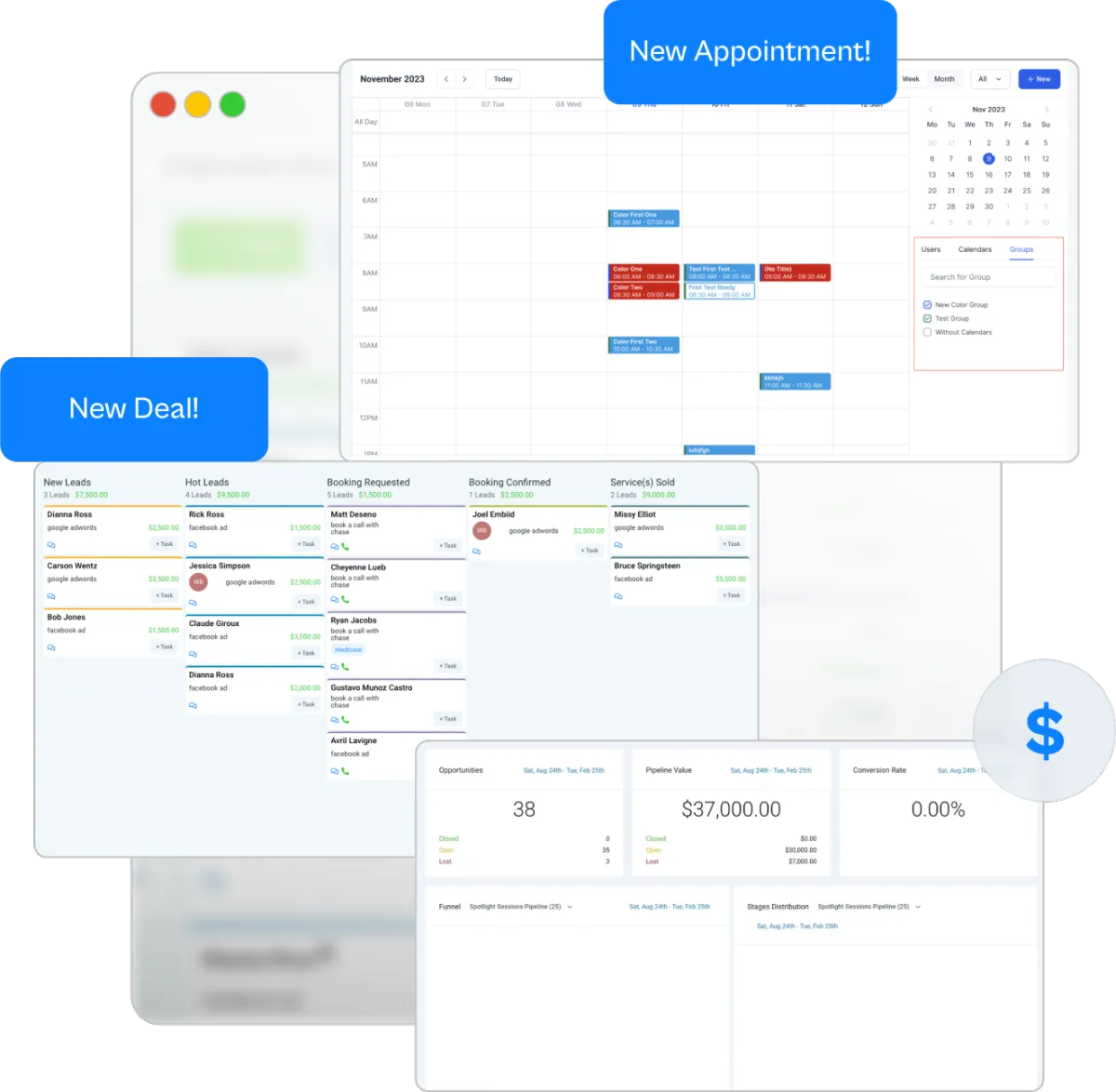
Automate Pipeline Movement
Never move deals manually. Standardise transitions:
Form Submitted → New Lead
Appointment Booked → Scheduled
Payment Received → Won
This ensures reporting integrity.
Stale Deal Alerts
If no activity occurs within a defined period:
Create a task for the assigned rep
Send an internal notification
Optionally trigger a light nurture message
Tasks outperform notifications every time.
Tagging Strategy for Sanity
Use consistent tag prefixes:
Status: LeadSource: FacebookAction: Downloaded Guide
Clean tags enable clean automation.
Pipe Data into Opportunity Cards
Automatically push form responses and notes into the opportunity so sales never has to hunt for context.
7. Customer Onboarding Workflows
Trigger on Contract or Payment
Upon deal closure:
Send welcome documentation
Schedule kickoff calls
Create internal onboarding tasks
This creates a professional, consistent first impression.
Automate Access Provisioning
On payment:
Add users to sub-accounts
Grant portal access
Send personalised login instructions
Feedback & Testimonial Loops
30 days post-onboarding:
Send satisfaction surveys
Tag promoters
Route happy clients into testimonial or referral flows
8. Support, Chatbots & Conversation AI
AI Chatbots for 24/7 Coverage
Deploy bots on websites and funnels to:
Answer FAQs
Qualify leads
Book meetings
Escalate complex cases to humans
Context-Aware Responses
Train bots on historical conversations and tickets. Track satisfaction scores to continuously refine logic.
Automated Ticket Creation
Unresolved chats should automatically:
Create tickets
Attach conversation history
Assign to the correct team
9. Social Media Automation
Unified Social Inbox
Auto-capture comments and DMs into the CRM for follow-up and attribution.
Trigger-Based Social Workflows
Examples:
Facebook lead comment → DM nurture → pipeline entry
High engagement → VIP tag → exclusive offer sequence
Engagement-Driven Segmentation
Tag and reward top engagers—they convert at higher rates and cost less to acquire.
10. Reporting, Tasks & Accountability
Automated Client Reporting
Generate weekly or monthly reports:
Pulling campaign metrics
Customised per client
Delivered automatically as PDFs
Task-Driven Sales Enablement
Create tasks when:
Lead scores exceed thresholds
Deals stall
Follow-ups are overdue
If it’s not a task, it will be forgotten.
Workflow Performance Reviews
Weekly:
Pause underperforming workflows
Clone and iterate winners
Remove redundant branches
11. Advanced AI & Technical Automation
Voice AI for Inbound Calls
Auto-answer, qualify, and book calls without agents—24/7.
Smart Lists for Dynamic Segmentation
Examples:
Inactive 30 days
Uncontacted high-value leads
Trial expiring tomorrow
Trigger reactivation or retention flows automatically.
Webhooks for External Integrations
Use inbound and outbound webhooks to connect with tools like analytics platforms, databases, or proprietary systems—without Zapier overhead.

12. Data Integrity & Field Management
Limit Custom Fields
Every field increases complexity. Create only what you need.
Prefer Controlled Inputs
Dropdowns > free text. Automation depends on predictability.
Avoid Field Collisions
Never write to the same field from multiple workflows—it creates race conditions.
Use Automation-Only Fields
Separate system logic from user-facing data for clarity and safety.
13. Error Handling, Debugging & Cleanup
Build Test Contacts
Never test in production. Maintain test contacts for every major workflow.
Log Decisions Internally
Use internal notes to record why key branches were taken—essential for audits and debugging.
Quarterly Automation Audits
Deactivate unused workflows immediately. Dormant automation causes ghost actions and reporting anomalies.
14. Scaling & Performance Considerations
Prefer multiple small workflows over one large one
Avoid unnecessary delays
Deactivate workflows during major CRM changes
Monitor automation volume per contact
Design with future migrations in mind
Clean automation ports better than clever automation.
15. The Strategic Mindset Most Teams Miss
Automation should reduce decisions, not hide them.
Every workflow must have:
A clear success metric
An explicit exit condition
Documented logic
Automate stability before growth. Scaling broken logic compounds losses. Treat Go High Level not as a toolset—but as revenue infrastructure. If you wouldn’t onboard a staff member without training, don’t deploy automation without documentation.
Conclusion
Go High Level is not limited by features; it is limited only by how intentionally it is implemented. The Workflow builder is where strategy becomes execution, and where operational discipline separates high-performing agencies from those overwhelmed by automation sprawl.
The most successful GHL implementations share common traits: clear ownership, disciplined architecture, clean data, and automation that supports real business processes rather than masking them. Workflows are designed to reduce friction, accelerate response times, and create consistent experiences across marketing, sales, service, and finance—without sacrificing control or visibility.
As GHL continues to expand its native AI, voice, and data capabilities, the importance of strong foundations will only increase. AI amplifies whatever system it is placed into. Clean logic scales. Messy logic compounds risk.
Treat your automations as long-term infrastructure, not short-term hacks. Document them, measure them, audit them, and refine them with the same care you would apply to hiring staff or designing revenue strategy. When built correctly, Go High Level workflows do more than save time—they create leverage.
Automation done well is not about removing humans from the process. It is about ensuring that when humans engage, they do so at the right moment, with the right context, and the highest possible impact.