

HighLevel for Finance Departments
Modern finance and accountancy teams are no longer constrained to back-office bookkeeping alone. They increasingly sit at the centre of revenue operations—bridging sales, service delivery, cash flow, and reporting. In this context, platforms traditionally viewed as “marketing CRMs” are being repurposed as commercial infrastructure. HighLevel is one such platform.
While best known for funnels, lead management, and automation, HighLevel has matured into a finance-aware CRM, it becomes a powerful orchestration layer for finance and accountancy workflows.
This article provides a comprehensive, systems-level analysis of how HighLevel supports finance and accountancy through:
Built-in billing and subscription management
Native payment gateway integrations
Direct accounting software connections
No-code automation for advanced workflows
Practical use cases for agencies, accountants, and service-based firms
Importantly, HighLevel is not positioned as a replacement for accounting software. Instead, it acts as the commercial front-end that ensures revenue data is captured accurately, payments are automated, and downstream financial systems remain synchronised.
1. The Role of HighLevel in Finance and Accountancy
Traditional accounting systems are excellent at compliance, statutory reporting, and double-entry bookkeeping—but they are typically reactive. They record what has already happened.
HighLevel operates earlier in the revenue lifecycle.
It sits closer to:
Client onboarding
Commercial agreements
Billing logic
Payment events
Service activation
This positioning enables finance teams to influence outcomes rather than simply record them.
From a systems architecture perspective:
HighLevel = Revenue and billing orchestration
Accounting software = Ledger, tax, and compliance
Automation layer = Data synchronisation and control
This separation of concerns reduces friction between sales, operations, and finance while maintaining accounting integrity.
2. Built-In Billing Tools in HighLevel
2.1 One-Time Invoices
HighLevel allows users to create one-off invoices directly from a contact record using the Payments tab.
Key capabilities include:
Line-item based invoicing
Custom products and services
VAT/tax configuration
Branded invoice templates
Manual or automated sending
Invoices are linked natively to:
Contacts
Opportunities
Pipelines
This linkage is critical. It allows finance events (such as “invoice paid”) to become automation triggers across the wider CRM.
Common use cases include:
Issuing invoices after proposal acceptance
Charging for one-off consultancy or advisory services
Deposits before service delivery

2.2 Recurring Subscriptions and Payment Plans
For firms operating on retainers, memberships, or SaaS-style models, HighLevel supports recurring subscriptions.
Subscriptions can be configured with:
Monthly, quarterly, or annual billing
Fixed or variable pricing
Trial periods
Automatic retries on failed payments
Each contact can hold multiple subscriptions, enabling:
Tiered services
Add-ons
Upsells
Subscription status (active, paused, cancelled, failed) is visible directly within the CRM and can drive downstream workflows such as:
Service access control
Renewal reminders
Churn tracking
Finance alerts
From a revenue operations standpoint, this creates CRM-level visibility into MRR, ARR, and churn, rather than relying solely on accounting exports.
3. Payment Processing and Gateway Integrations
3.1 Stripe as the Primary Payment Engine
HighLevel’s deepest payment integration is with Stripe, which underpins much of its billing and subscription logic.
Through Stripe, HighLevel supports:
Credit and debit cards
ACH / bank transfers
Digital wallets (Apple Pay, Google Pay)
Secure tokenised payments
Subscription lifecycle management
Payment events such as:
Successful charges
Failed payments
Subscription updates
…are reflected in real time within HighLevel and can trigger workflows, notifications, or internal tasks.
This enables finance teams to automate responses to payment events rather than managing them manually.
3.2 Additional Native and Extended Payment Options
Beyond Stripe, HighLevel supports or can integrate with:
PayPal
Authorize-net
NMI
Square
Razorpay
For in-person payments, Stripe and Square readers can be used to capture payments at point-of-sale, with transaction data flowing back into the CRM.
For more advanced scenarios, custom API integrations allow firms to connect:
Buy-now-pay-later platforms (e.g. Klarna, Afterpay)
Regional direct debit providers
Crypto payment processors
This flexibility is particularly valuable for international firms, multi-currency operations, or niche payment requirements.
4. Native Accounting Integrations: Xero and QuickBooks
4.1 Xero Integration
HighLevel provides a native integration with Xero, configured via Settings → Integrations.
Once connected, HighLevel can automatically sync:
Contacts/customers
Invoices
Line items
Taxes
Invoice statuses
The sync operates in near real-time, eliminating the need for manual data entry and reducing reconciliation errors.
Typical Xero workflows include:
Invoice creation in HighLevel → automatic appearance in Xero
Status updates (paid / overdue) reflected back in CRM workflows
Consistent VAT handling across systems
For UK-based firms, this is particularly valuable in maintaining clean VAT records while allowing GoHighLevel to manage client communications and billing logic.
4.2 QuickBooks Integration
GoHighLevel also connects natively with QuickBooks Online.
This enables:
Automatic invoice creation based on CRM events
Payment status tracking
Overdue invoice monitoring
In practice, QuickBooks is often used as the statutory accounting system, while HighLevel controls:
When invoices are issued
How clients are billed
What automation occurs around payment events
This division of responsibility allows finance teams to maintain compliance without sacrificing automation or visibility.

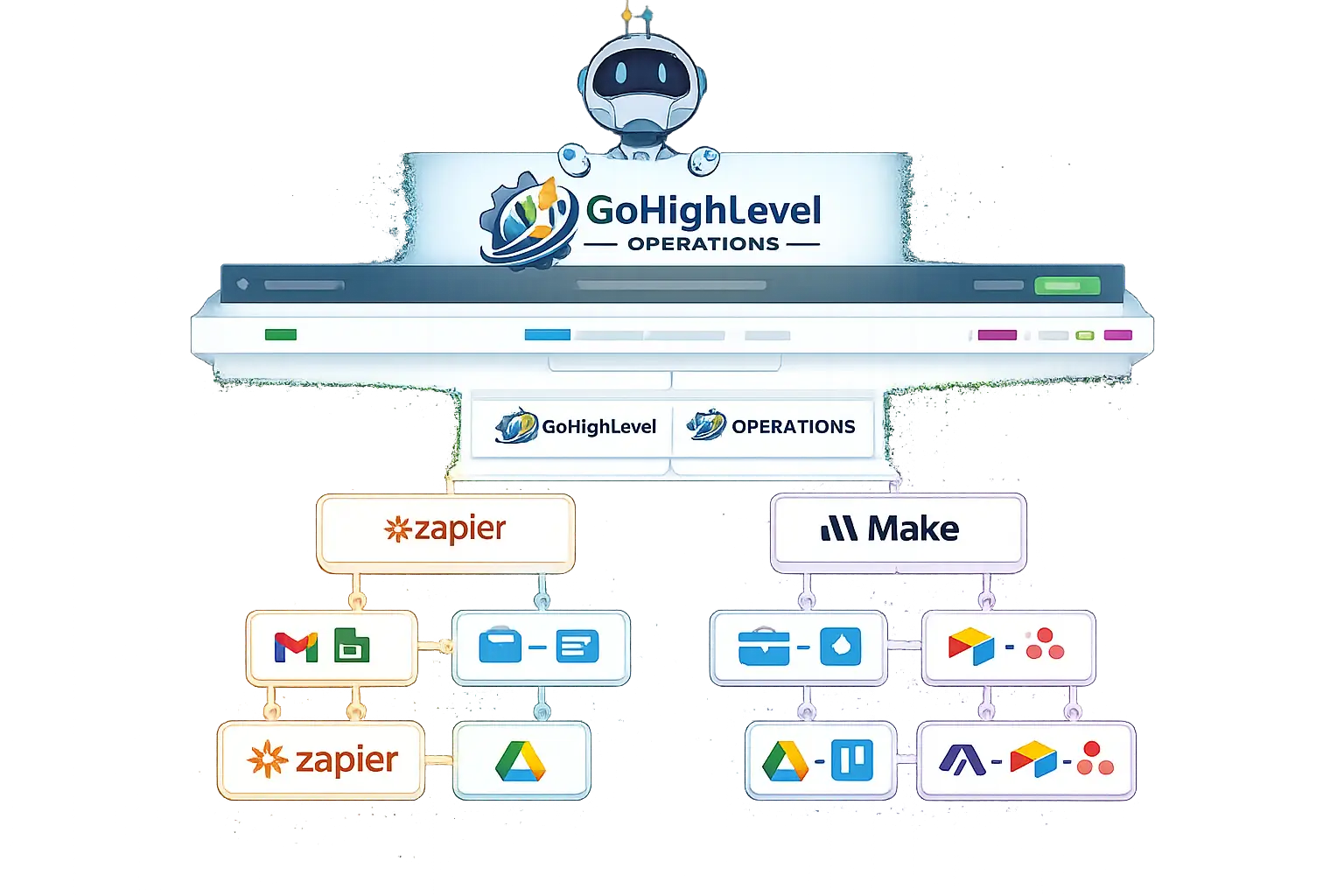
5. No-Code Automation with Zapier and Make
Native integrations cover common scenarios, but real power emerges when GoHighLevel is combined with no-code automation.
5.1 Zapier: Speed and Simplicity
Using the LeadConnector app and API key, GoHighLevel connects to Zapier, unlocking access to thousands of applications.
Zapier is well-suited to:
Straightforward, event-driven automations
Rapid deployment
Low-complexity logic
Examples include:
Invoice paid in GoHighLevel → mark deal as Closed-Won
New subscription created → notify finance via Slack
Payment failed → create a follow-up task
Zapier excels when time-to-value matters more than deep data transformation.
5.2 Make: Advanced Finance-Grade Automation
Make (formerly Integromat) is typically preferred for more complex finance workflows.
With Make, teams can:
Perform line-item manipulation
Apply VAT and tax logic
Handle multi-currency scenarios
Implement error handling and reconciliation logic
Common Make-based finance automations include:
Syncing GoHighLevel invoices to accounting platforms without native support
Creating advanced reporting pipelines into BI tools
Normalising revenue data before ledger entry
For accountancy firms and finance-led organisations, Make offers the control and transparency required for financial data integrity.
6. Typical Finance and Accountancy Workflows in HighLevel
6.1 Client Onboarding and Billing
A common workflow:
Lead converts to client
Contract signed (e-signature)
Invoice or subscription automatically created
Payment triggers onboarding tasks
Accounting system updated automatically
This removes manual handoffs between sales, finance, and delivery teams.
6.2 Subscription Management for Retainers
For monthly services:
Subscription created in GoHighLevel
Automatic billing via Stripe
Failed payments trigger reminders and internal alerts
Active subscription status controls service access
This approach dramatically reduces revenue leakage and improves cash flow predictability.
6.3 Finance-Led CRM Segmentation
Because payment data lives inside the CRM, contacts can be segmented by:
Payment status
Lifetime value
Active subscriptions
Overdue balances
This enables more intelligent client management and reporting than traditional CRMs.
7. Reference Architecture: How the Stack Fits Together
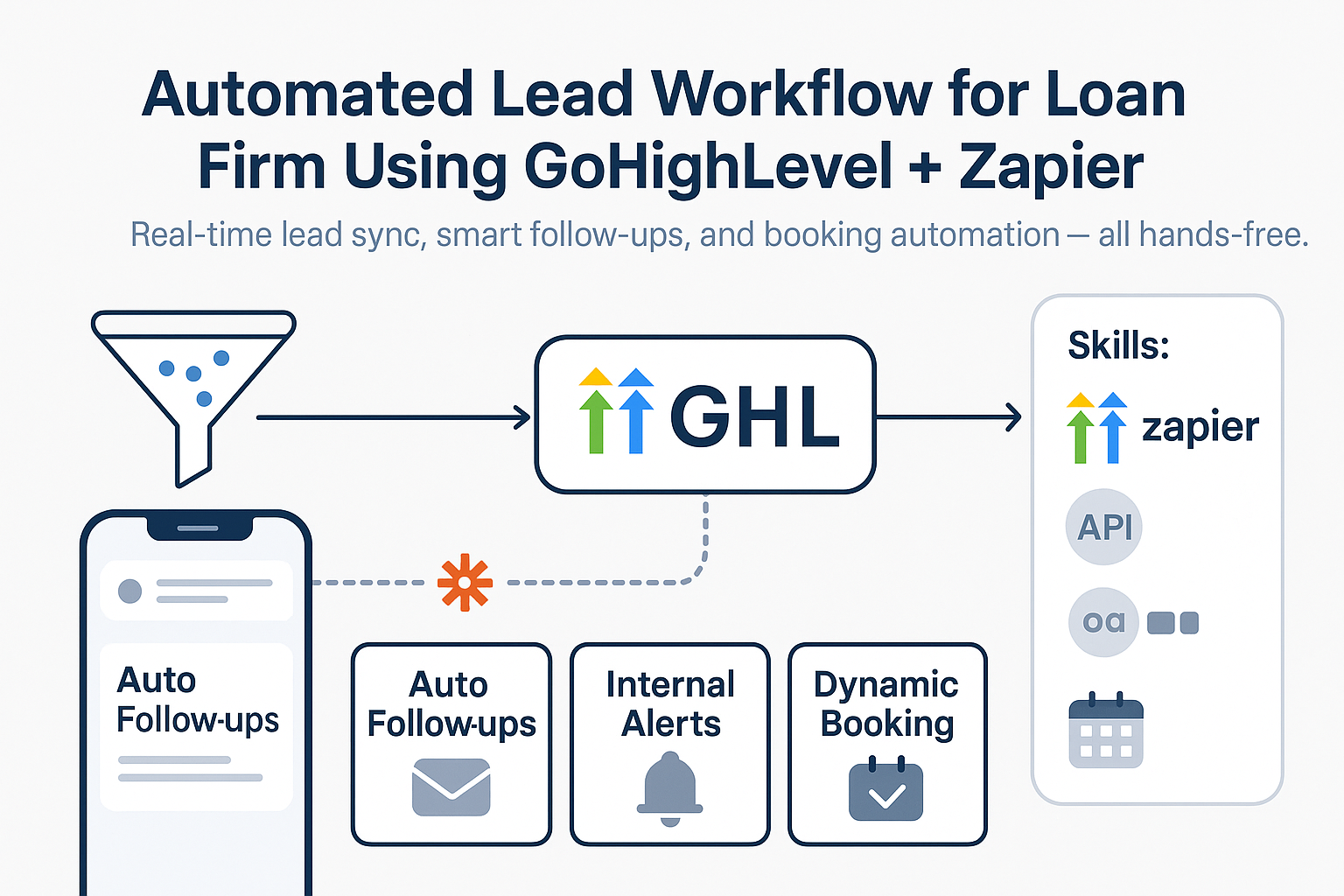
A typical modern finance stack looks like this:
HighLevel: Revenue logic, billing, automation triggers
Payment Processor (e.g. Stripe): Transaction execution
Accounting Software (Xero / QuickBooks): Ledger and compliance
Automation Layer (Make / Zapier): Data orchestration and control
Reporting Tools: Cash flow, MRR, forecasting
This modular architecture scales far more effectively than monolithic systems.
8. What HighLevel Is—and Is Not—for Finance Teams
It is important to be precise.
GoHighLevel is not:
A double-entry accounting system
A replacement for statutory accounting software
A payroll or tax filing platform
GoHighLevel is:
A billing and subscription engine
A finance-aware CRM
A revenue operations control layer
An automation hub for financial workflows
When positioned correctly, it enhances—not replaces—professional accounting systems.
9. Who Benefits Most from HighLevel’s Finance Capabilities?
This approach is particularly effective for:
Digital agencies
Accountancy and bookkeeping firms
Subscription-based businesses
B2B service providers
SaaS-like operating models without ERP overhead
For these organisations, HighLevel enables commercial clarity, automation, and scalability without compromising financial control.
Final Thoughts: A Revenue-First Approach to Finance Systems
Finance teams are increasingly expected to operate in real time, not retrospectively.
By combining HighLevel’s billing and automation capabilities with best-in-class accounting software and no-code tools, organisations can build a future-proof finance stack that aligns revenue, operations, and reporting.
The result is:
Faster collections
Cleaner data
Reduced manual effort
Greater visibility across the customer lifecycle
If you want to go deeper, the next logical steps are: