
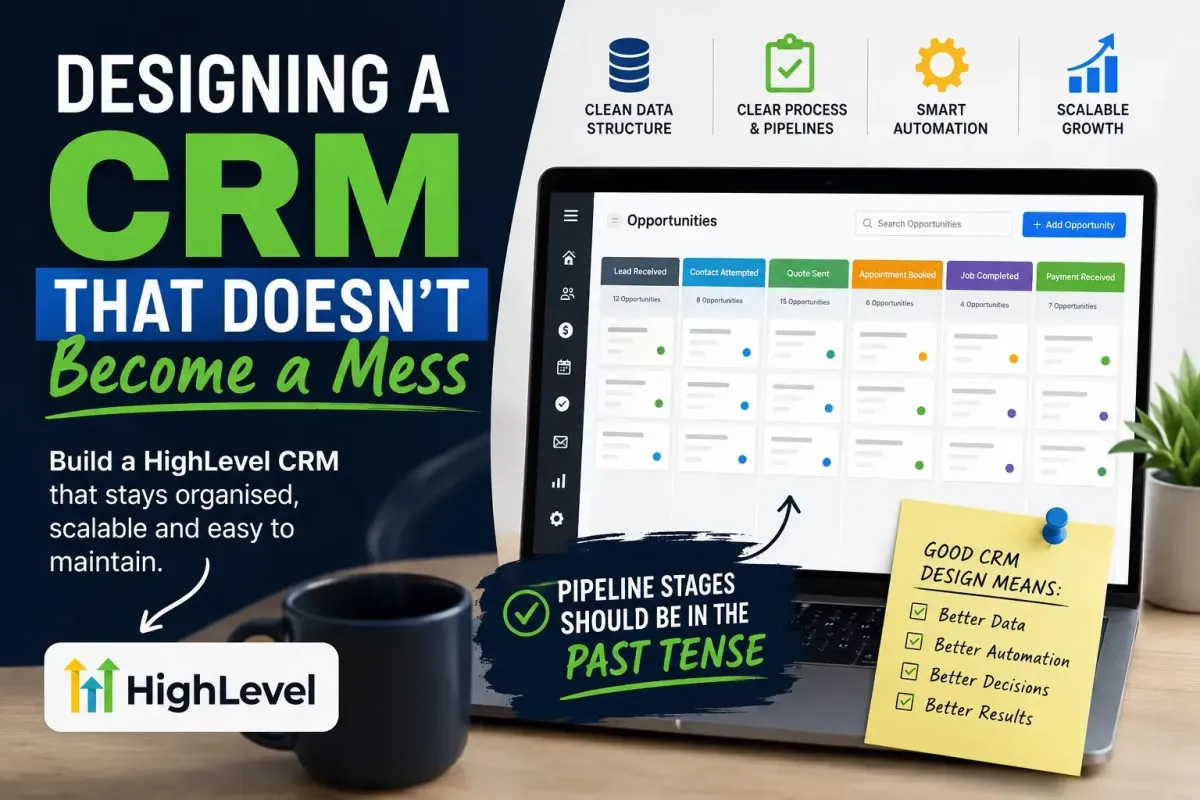
Designing a HighLevel CRM That Doesn't Become a Mess
One of the biggest mistakes businesses make is choosing the wrong CRM. It's designed poorly.
I've seen HighLevel accounts with hundreds of tags, duplicate workflows, dozens of custom fields storing the same information, and pipelines that nobody understands. Every new automation solves today's problem but creates tomorrow's. Eventually, nobody wants to touch the system because they're afraid something else will break.
The irony is that HighLevel is an incredibly powerful CRM. It can become the operating system of your business—but only if it's designed with a proper architecture from the beginning.
A CRM Is a Database, Not Just a Marketing Tool
Many people first discover HighLevel because of its marketing automation.
Email campaigns.
SMS.
WhatsApp.
Funnels.
Workflows.
Voice AI.
But underneath all of that sits something much more important. A relational database.
Every workflow, campaign and AI agent relies on the quality of the data stored within it. Poor data architecture doesn't just make reporting difficult—it makes every automation less reliable.

Design the Data Before the Automation
A common mistake is building workflows first and figuring out the data afterwards.
Instead, start by asking:
What information do we need to know about every customer?
Which information changes regularly?
Which information is permanent?
Which information should trigger automations?
Once those questions have been answered, everything else becomes much easier.
Your workflows should respond to data.
They shouldn't create confusion about what the data means.
Fields Describe the Customer's Current State
Custom fields should normally describe what is true right now.
For example:
Quote Stage
Appointment Status
Selected Cleaning Frequency
Assigned Salesperson
Lead Source
Next Service Date
If something changes tomorrow, the field changes with it. There should only ever be one authoritative place for that information. This is known as having a single source of truth.
Tags Should Represent Things That Happened
Historically, CRMs relied heavily on tags because they had limited database capabilities.
Modern platforms like HighLevel have evolved considerably. Many things that once required tags are now better represented by custom fields.
Tags still have an important role, but they're generally better suited to historical events.
Examples include:
Downloaded Price Guide
Imported From Legacy CRM
Attended Webinar
Purchased Window Cleaning
Requested Callback
These events happened. They remain true forever. Unlike fields, they don't normally describe the customer's current situation.
As HighLevel continues to evolve into a more traditional relational CRM, many businesses will find themselves relying less on tags and more on structured data held within custom fields.
Your Pipeline Should Tell a Story
One of the simplest improvements you can make is to redesign your pipeline stages. A pipeline shouldn't describe what somebody might do. It should describe what has already happened.
Each stage should answer one question:
"What is the latest thing that has happened to this opportunity?"
Good examples include:
Lead Received
Contact Attempted
Quote Calculated
Quote Sent
Follow-up Sent
Address Received
Appointment Booked
Clean Completed
Payment Received
Notice they're all written in the past tense. That's because pipeline stages are not instructions. They're milestones.
When someone opens an opportunity, they should immediately understand where it currently sits simply by looking at the most recent completed step.
Future actions belong in workflows, tasks and reminders—not in pipeline stages.
Avoid Multiple Sources of Truth
One of the quickest ways to create confusion is to store the same information in multiple places.
For example:
Quote Stage custom field
Opportunity Stage
Lead Status
Sales Status
Lifecycle Stage
If all five attempt to describe the same thing, they will eventually disagree.
Instead, decide which object owns the information. Everything else should reference or synchronise from that single source. This dramatically reduces reporting problems and automation conflicts.
Keep Workflows Modular
Another common mistake is creating enormous workflows. A single workflow containing fifty branches may appear impressive, but it quickly becomes impossible to maintain.
Instead, break processes into logical modules.
For example:
001 – Lead Capture
002 – Quote Calculation
003 – Quote Delivery
004 – Customer Responses
005 – Address Collection
006 – Appointment Booking
007 – Follow-up
008 – Customer Retention
Each workflow should perform one job exceptionally well. The workflows communicate using changes to fields, opportunity stages or other controlled triggers rather than becoming tightly coupled.
This makes testing, debugging and future improvements far easier.
Standardise Your Naming
Good naming conventions make a CRM feel professional. Workflows should be numbered. Custom fields should use clear business language.
Avoid names like:
Test
Test2
Final
Workflow Copy
New Workflow
Instead, use names that immediately explain their purpose. Six months from now, your future self will thank you.
Automate Business Processes, Not Individual Tasks
The most successful HighLevel implementations don't automate isolated actions. They automate complete business processes.
For example:
Lead submits form.
↓ Pricing is calculated.
↓Quote is delivered.
↓Customer replies.
↓ Address is collected.
↓ Appointment is booked.
↓ Customer receives reminders.
↓ Service is completed.
↓ Review request is sent.
↓ Customer enters long-term marketing.
Every step flows naturally into the next. Nobody has to remember what happens next because HighLevel already knows.

Review Your CRM Regularly
Every few months, ask yourself:
Which fields are no longer used?
Which workflows are duplicates?
Which tags are obsolete?
Which reports no longer provide value?
Which automations can be simplified?
Good CRM design isn't something you complete once.
It's something you continuously improve. Small maintenance sessions prevent large rebuilds later.
Final Thoughts
HighLevel gives businesses an extraordinary amount of flexibility. That flexibility is both its greatest strength and its greatest danger.
Without structure, a CRM gradually becomes slower, more confusing and increasingly difficult to maintain. With the right architecture, however, HighLevel becomes far more than a CRM.
It becomes the operational backbone of your business.
Every field has a purpose.
Every workflow has a responsibility.
Every pipeline stage tells a clear story.
Every automation supports a well-defined business process.
The result is a CRM that remains organised, scalable and easy to manage—even years after it was first built.