
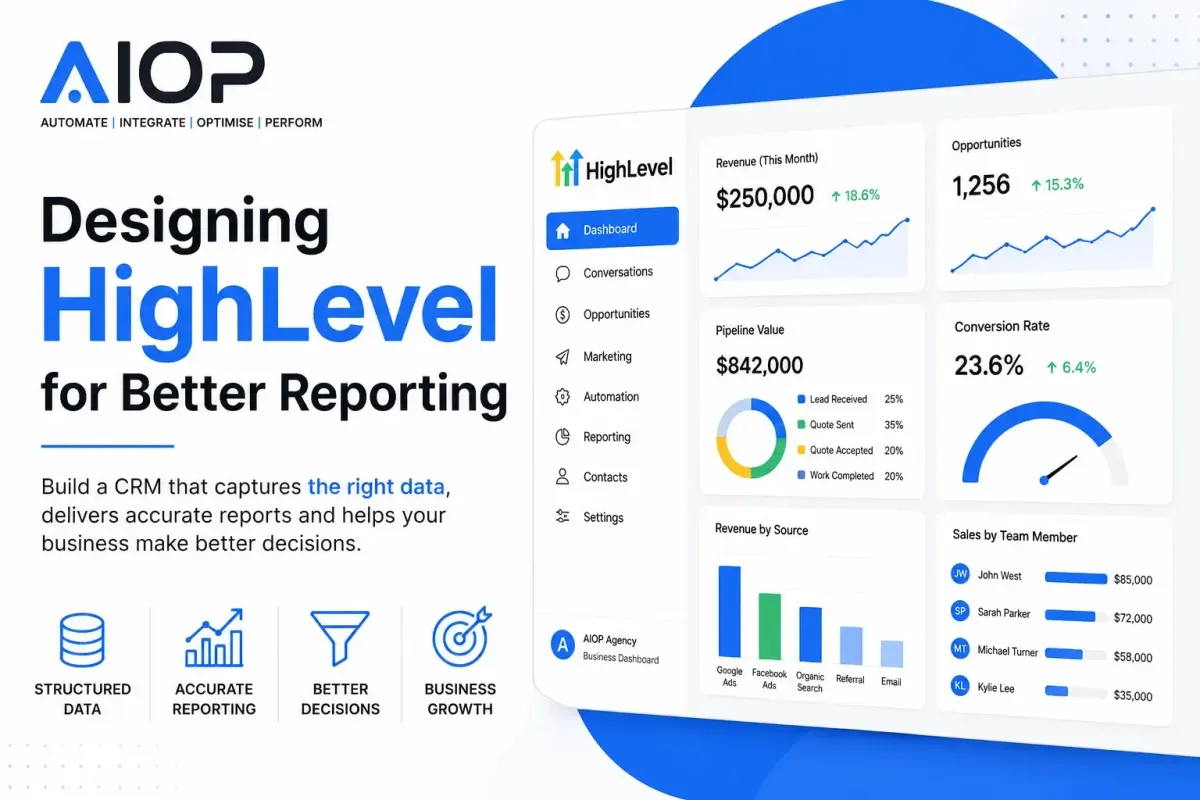
Designing HighLevel for Better Reporting
Every CRM promises reporting. Like other CRM's, dashboards, charts and KPIs are all built into HighLevel, but many businesses still struggle to answer simple questions:
Which marketing channels generate the highest-value customers?
Which team members convert the most leads?
Which services are most profitable?
Where are opportunities getting stuck?
How long does each stage of the sales process actually take?
The problem is rarely the reporting platform itself. Instead, the issue is usually the way the CRM has been designed.
Many HighLevel accounts evolve organically over time. New workflows are added, custom fields are created whenever required, pipelines grow, and tags accumulate without any long-term structure. The result is a CRM that successfully automates processes but produces inconsistent, unreliable reporting.
Good reporting is not something you add afterwards. It is something you design from the very beginning.
In this article, we'll explore how to design HighLevel with reporting in mind, creating a CRM that provides meaningful business intelligence rather than simply storing customer information.
Reporting Begins Before You Build Anything
One of the biggest mistakes businesses make is building workflows before deciding what they actually want to measure.
Instead of asking:
"How should we automate this?"
Start by asking:
"What decisions do we want reporting to help us make?"
For example, management might want answers to questions such as:
Which lead sources produce customers?
Which advertising campaigns generate revenue?
Which quotations convert best?
How many appointments become sales?
Which locations outperform others?
Which services have the highest close rates?
Once these questions are defined, the CRM can be designed to capture the required data consistently. Without this planning, reporting quickly becomes fragmented.
Design Around Business Processes, Not Individual Workflows
HighLevel is capable of running hundreds of workflows. That doesn't mean every workflow should create its own reporting system. Instead, think of workflows as automation tools that update a single, central business model.
For example:
Lead Submitted ↓ Qualification Completed ↓ Quotation Created ↓Quotation Sent↓ Customer Accepted ↓ Appointment Booked ↓ Work Completed ↓ Invoice Paid
Every workflow should simply move customers through this shared lifecycle. This creates one consistent source of truth for reporting.
Standardise Your Pipeline Stages
Pipelines often become one of the biggest reporting problems.
Many businesses create stages such as:
Waiting
Called
Follow Up
Quote
Interested
Maybe
Customer Thinking
While these might make sense operationally, they produce poor reports. Instead, stages should describe completed business events.
Examples include:
Lead Received
Qualification Completed
Quote Sent
Quote Accepted
Appointment Booked
Work Completed
Lost
Notice these are all written in the past tense. This has several advantages. The stage immediately tells everyone what has already happened. It also creates much cleaner reporting because each opportunity only moves forward through completed milestones.

Separate Operational Fields from Reporting Fields
Not every field should be used for reporting. Many fields simply support automation.
For example:
Operational fields:
AI Status
Temporary Workflow Flags
Validation Status
Retry Count
API Response
Processing Complete
Reporting fields:
Lead Source
Service Required
Customer Type
Salesperson
Quote Value
Won Value
Lost Reason
Marketing Campaign
Branch Location
Keeping these separate prevents reports from becoming cluttered with technical data.
Use Fields Instead of Growing Numbers of Tags
Historically, many HighLevel accounts relied heavily on tags. Modern HighLevel behaves much more like a traditional relational database. That means structured fields generally produce far better reporting than dozens of tags.
For example, rather than:
Tag: Google
Tag: Facebook
Tag: Referral
Tag: Organic
Use one dropdown field: Lead Source with values:
Google Ads
Facebook Ads
Organic Search
Referral
Direct
Email Marketing
Reports become dramatically cleaner because every record contains one standard value.
Keep Dropdown Values Consistent
One of the quickest ways to destroy reporting quality is inconsistent values.
For example:
Google
Google Ads
Google PPC
Google Search
Google Advertising
All describe the same thing. Unfortunately, reporting software treats them as five completely different values.
Always standardise dropdown options. Avoid allowing users to type free text unless necessary.
Think Like a Database Designer
Most CRM users think about screens. Database designers think about relationships.
For example, rather than asking:
"What fields should this form have?"
Ask:
"What information defines this customer?"
"What information defines this opportunity?"
"What information defines this service?"
"What information defines this appointment?"
Once these entities are clearly defined, reporting naturally becomes much easier.
Capture Marketing Attribution Properly
Good reporting begins before a lead even enters HighLevel.
Capture information such as:
Original source
UTM Source
UTM Medium
UTM Campaign
UTM Content
UTM Term
Landing Page
Referrer URL
Click IDs where appropriate
Without attribution data, reports can only show what happened after the lead arrived.
They cannot explain why the lead arrived in the first place.
Avoid Creating Duplicate Data
Duplicate information causes reporting inconsistencies.
For example:
Lead Status
Opportunity Status
Sales Status
Customer Status
If all four represent similar information, they will eventually become different.
Instead, decide which field represents the truth. Everything else should update automatically. One authoritative field is always better than four similar ones.
Build Around Business Events
Instead of recording temporary states, record meaningful business events.
Examples include:
Quote Sent Date
Appointment Booked Date
Invoice Paid Date
First Contact Date
Last Contact Date
These become extremely valuable later.
You can calculate:
Average response time
Sales cycle length
Time between quotation and booking
Customer lifetime
Repeat purchase frequency
All from simple date fields.

Use Numbers Wherever Possible
Text fields are difficult to analyse. Numbers are much easier.
Rather than storing:
"High"
"Medium"
"Low"
Consider assigning numerical values where appropriate. Similarly, quotation values should always be stored as numbers rather than embedded inside notes or emails. Numbers enable averages, totals, forecasts and trends.
Design for Future Dashboards
Imagine the dashboard before building the CRM.
For example, management might eventually want to see:
Revenue by month
Revenue by service
Revenue by salesperson
Conversion by marketing source
Pipeline value
Average quotation
Close rate
Average sales cycle
Appointment conversion
Customer lifetime value
Every one of these reports depends upon having the right data structure.
Avoid Using Notes as Data Storage
Notes are valuable for conversations.
They are poor for reporting.
For example:
"Customer wants gutter cleaning."
cannot easily be analysed.
Instead:
Service Required ↓ Gutter Cleaning
Now, every customer requesting gutter cleaning can instantly appear in reports.
Structured data always outperforms unstructured notes.
Use Workflows to Improve Reporting Quality
Automation shouldn't just move customers. It should improve data quality.
Examples include:
Automatically assigning lead sources.
Standardising field values.
Setting default values.
Recording timestamps.
Updating lifecycle stages.
Recording conversion events.
Populating reporting fields.
This reduces human error while improving reporting accuracy.
Measure Process Efficiency
Good reporting doesn't just measure sales.
It measures operations.
For example:
Average response time.
Time waiting for quotation.
Time waiting for customer.
Time until appointment.
Time to completion.
Time until payment.
These metrics often reveal bigger opportunities than revenue reports alone.
Keep Historical Data
Avoid overwriting important information.
Instead of replacing values, consider storing milestone dates.
Examples include:
First Quote Sent
Last Quote Sent
First Appointment
Last Appointment
First Purchase
Latest Purchase
Historical reporting becomes significantly more useful when previous events remain available.
Create Clear Ownership Fields
Every record should clearly identify ownership.
Examples include:
Salesperson
Account Manager
Technician
Branch
Territory
Without ownership fields, performance reporting becomes difficult.
Don't Build Reports Around Workflows
Workflows change frequently. Reports should not depend upon workflow names. Instead, workflows should update permanent reporting fields. This allows workflows to evolve without breaking dashboards.
Design Reports for Different Audiences
Different people require different information.
Management may care about:
Revenue
Forecasting
Marketing ROI
Sales teams may care about:
Pipeline
Close rates
Follow-ups
Operations teams may care about:
Bookings
Capacity
Completion times
Designing the CRM around these reporting requirements ensures everyone works from the same underlying data.
Think Beyond HighLevel
Many businesses eventually connect HighLevel to platforms such as Looker Studio, Power BI or other business intelligence tools.
These platforms are only as good as the data they receive.
Well-designed custom fields, consistent dropdowns and structured relationships make external reporting dramatically easier.
Poor CRM design simply exports poor-quality data into more advanced software.
Reporting Should Drive Better Decisions
The purpose of reporting is not to produce attractive charts. It is improving decision-making.
When HighLevel is designed properly, businesses can answer questions with confidence rather than assumptions.
Instead of debating where leads came from, they know.
Instead of guessing which services are most profitable, they know.
Instead of wondering where customers drop out of the sales process, they know.
Reliable reporting transforms HighLevel from a CRM into a genuine business intelligence platform.
Final Thoughts
Designing HighLevel for better reporting starts long before the first dashboard is created.
It requires careful planning, structured data, consistent naming conventions, meaningful pipeline stages and automation that improves data quality rather than simply moving records between workflows.
The businesses that achieve the greatest value from HighLevel are rarely those with the most complicated automations.
They are the ones with the simplest, cleanest data architecture.
When every workflow updates the same structured fields, every opportunity follows the same business lifecycle, and every piece of information has a clear purpose, reporting becomes effortless.
Rather than spending time questioning the accuracy of reports, management can focus on what matters most: using reliable data to make better business decisions, improve operational efficiency and drive sustainable growth.